Cashback without reading your shopping cart
An extension that shows cashback in shops needs to know which page you are currently on. The question is where this is checked and what actually leaves your device. With our extension, the answer is: the check happens on your device, and we only receive what a function truly requires.
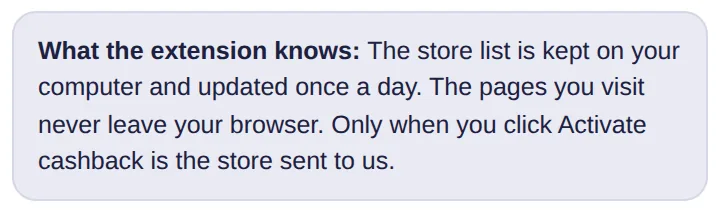
This note is also shown in the extension settings.
The check happens on your device
The extension downloads a list of our partner shops for your country once a day. It only compares the page you are currently on against this list locally on your device. We never learn which pages you visit.
What the extension doesn't read
- no page content, no products, and no prices
- no shopping cart and no orders
- no browser history
What we receive, and when
- your country's shop list, once a day, without any identifier
- a shop's coupons, when you open them or activate cashback
- your click on "Activate cashback" so we can assign the cashback to you
- your login, if you sign in to the extension
- your answer when you respond to the question of whether a shop delivers to your country
The full list with all details is available on our browser extension page.
In short
The extension doesn't need your history to show cashback. Data is only sent to us when you take action yourself. How to configure or completely disable the extension is explained in Your browser extension, your settings.
This article is part of our series on transparency and control regarding the browser extension. You can find the overview of all principles under No automatic cashback: You decide with a click.